StoolSense

Poop Basics

How taking poop photos helps

How do I take poop photos that are actually useful?

Taking poop photos is probably not the first thing you imagined doing with your new iPhone. But a consistent photo can make tracking easier: it helps you label form (Bristol type) and color without second-guessing. StoolSense can use optional photos to suggest tags (type + color) so logging is faster. It is educational and not a diagnosis. If photos increase anxiety, skip them and log manually.

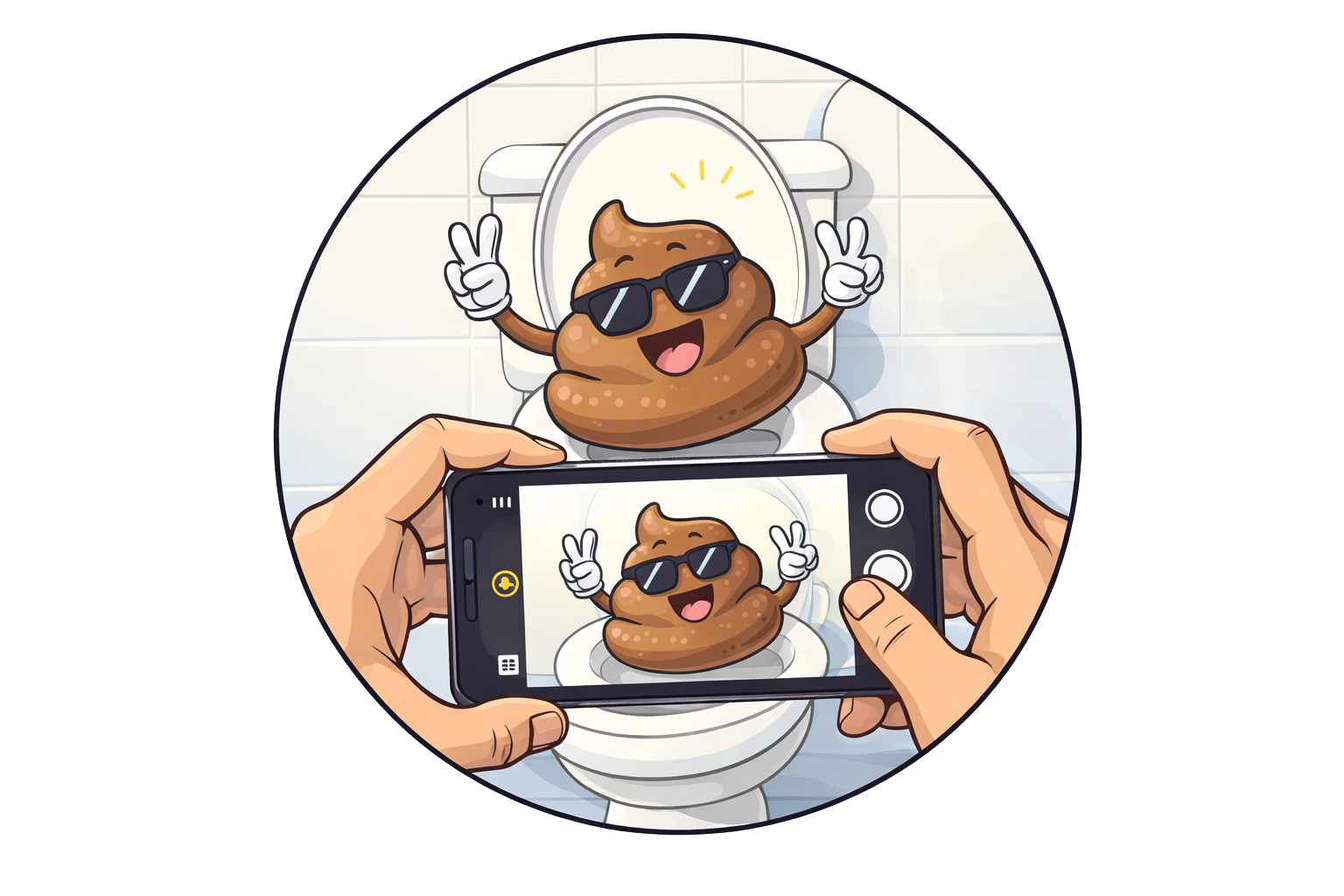
A phone taking a poop photo

Key takeaways

  • You do not need photos. Bristol type + color is often enough.
  • If you do use photos, consistency beats perfection (same angle, similar lighting).
  • Photos work best as a quick way to confirm your labels: type + color.
  • Optional StoolSense AI can suggest tags from photos, and you review before saving.

Safety notes

  • Seek medical care for black/tarry stool, large amounts of bright red blood, severe pain, fever, faintness, dehydration, or unexplained weight loss.
  • If photos increase anxiety, skip them and stick to consistent labels.

What to track

  • Bristol type + color (even without photos)
  • Time of day + frequency
  • One likely driver (coffee timing, dairy, new supplement)
  • If you use photos: whether you cropped tightly and kept the frame non-identifying

How StoolSense helps

You want a fast, low-effort way to label what you see so you can spot patterns.

You want optional photo → AI tag suggestions to reduce friction, not add stress.

Tips for better poop photos

If you use photos, the goal is not aesthetics. It is repeatable labels.

  • Use the same angle when possible
  • Use consistent, neutral lighting so color is easier to compare
  • Crop tight so the photo is only about the poop
  • Log the label you care about (Bristol type + color), then move on

How StoolSense uses photos (optional)

AI vision is getting better fast. StoolSense uses that to reduce friction:

  • Add a photo (optional)
  • Get suggested tags (Bristol type + color)
  • Review and edit before saving

That is the value: faster, more consistent logging so patterns are easier to spot.

A small practical note (not the main point)

If you save photos, keep the frame non-identifying.

If you care about metadata, you can strip EXIF before saving. But the biggest win is still the same: crop tight and stay consistent.

FAQs

Do I need to take poop photos to use StoolSense? +
No. Photos are optional. Manual logging with Bristol type + color works.
What does the photo help with? +
It helps you label what you see consistently (type + color) so you can compare week to week without guessing.
Is the AI photo analysis a diagnosis? +
No. StoolSense can suggest tags from a photo to speed up logging, but it does not diagnose conditions. Review and edit suggestions before saving.
What is the simplest way to keep photos low-key? +
Crop tight so only the stool is in frame, avoid any identifying details, and do not save photos if they make you anxious. If you care about metadata, you can also strip EXIF before saving.

Related